
Revision History
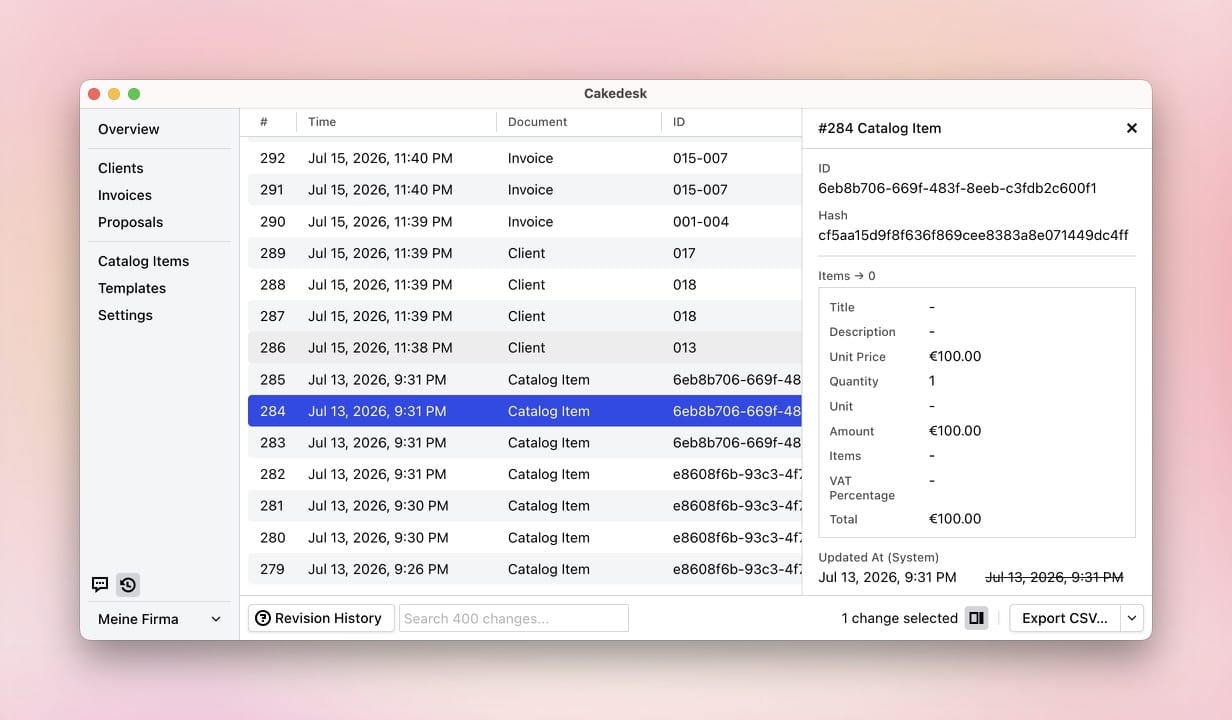
Cakedesk's Revision History records changes and lets you inspect what changed and when.
#Changes made by AI agents
When you've connected an AI agent to Cakedesk, the Revision History also records every change your agent makes. These entries are marked "(by AI agent)", and their details note that an AI agent made the change.
#Exporting the Revision History as CSV
Starting with Cakedesk version 1.37.0, you can export the complete Revision
History or selected entries as a CSV file.
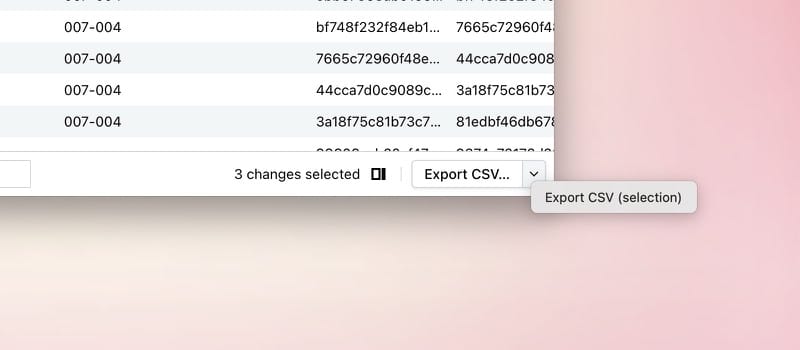
Open the Revision History and click "Export CSV…" in the bottom-right corner to export all recorded changes. To export only certain entries, select them first. Then click the arrow next to "Export CSV…" and choose "Export CSV (selection)".
#One row per field
The exported file breaks recorded changes down by field. A single entry in the Revision History can therefore produce several CSV rows.
#Stable number history starting with version 1.37.0
New entries created with Cakedesk 1.37.0 or later store the client, invoice,
or proposal number that was valid at the time of the change. That number
remains available even if it is changed later or the document is deleted.
In earlier versions, numbers could be lost if the associated document was deleted or assigned a different number.