
Import from web
You can easily create invoices online and generate proposals with AI on the Cakedesk website. These can also be imported into your local Cakedesk app.
The prerequisite is that you have Cakedesk app version 1.27.0 or higher
installed on your computer.
#1. Download invoice or proposal
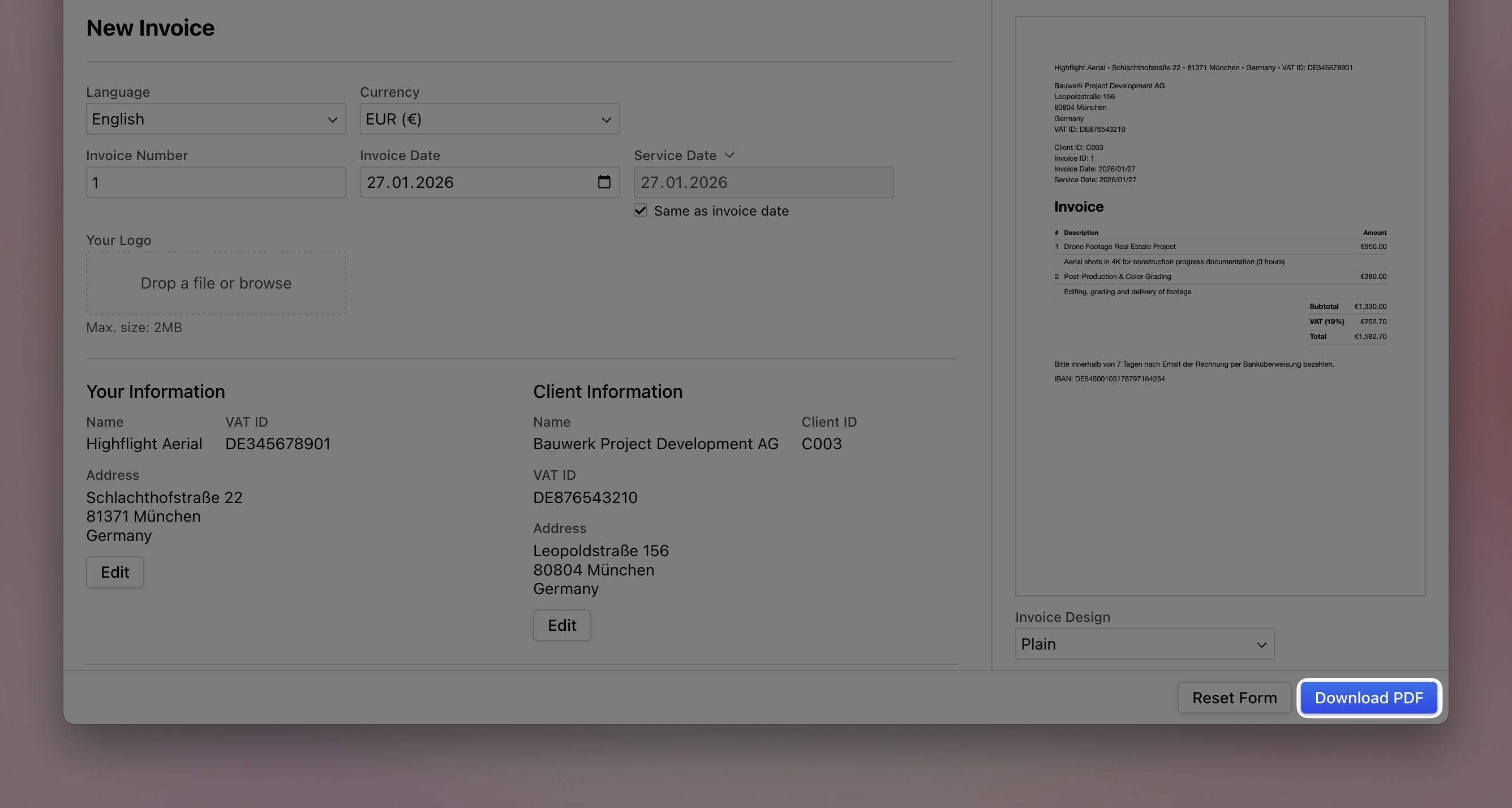
After creating your invoice or proposal online, click "Download PDF" in the bottom right corner.
#2. Drag invoice or proposal into Cakedesk
Go to the invoice or proposal overview in the Cakedesk desktop app and drag and drop the downloaded PDF file into the window.
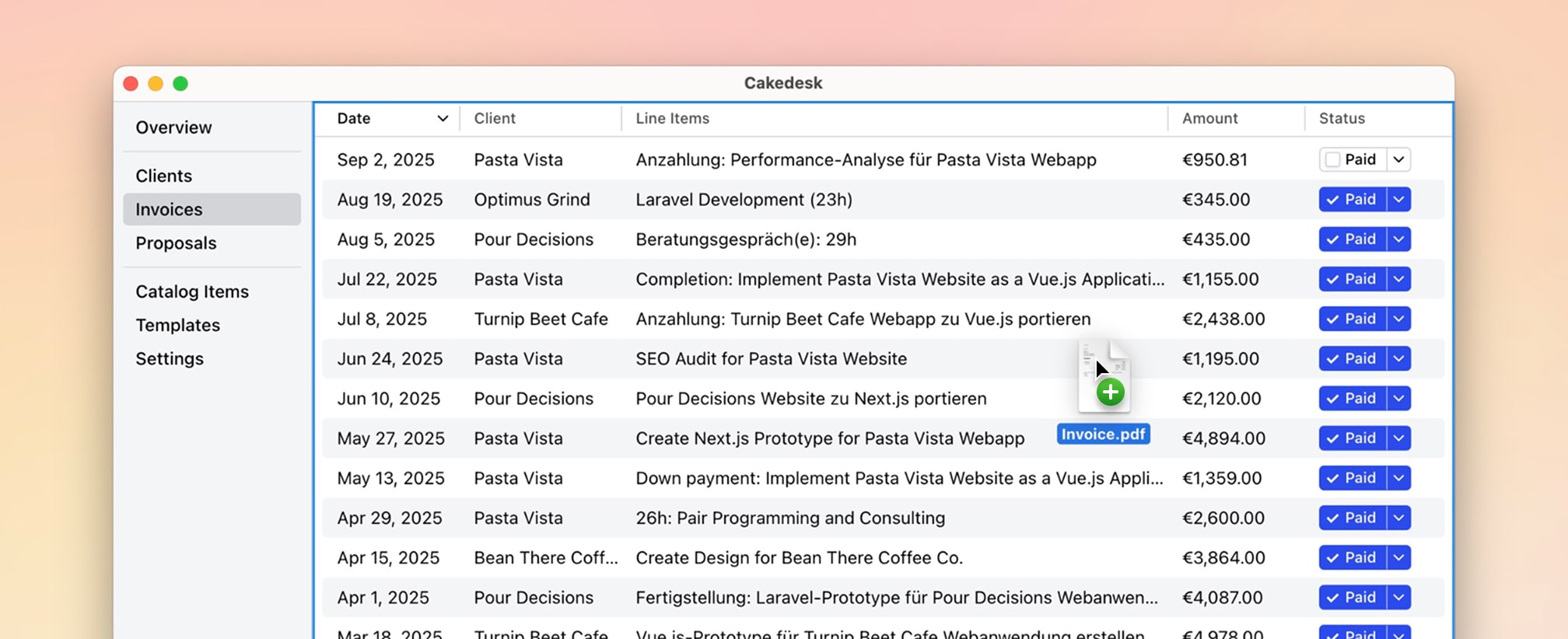
You can then edit and save the invoice or proposal in the app.