Invoices
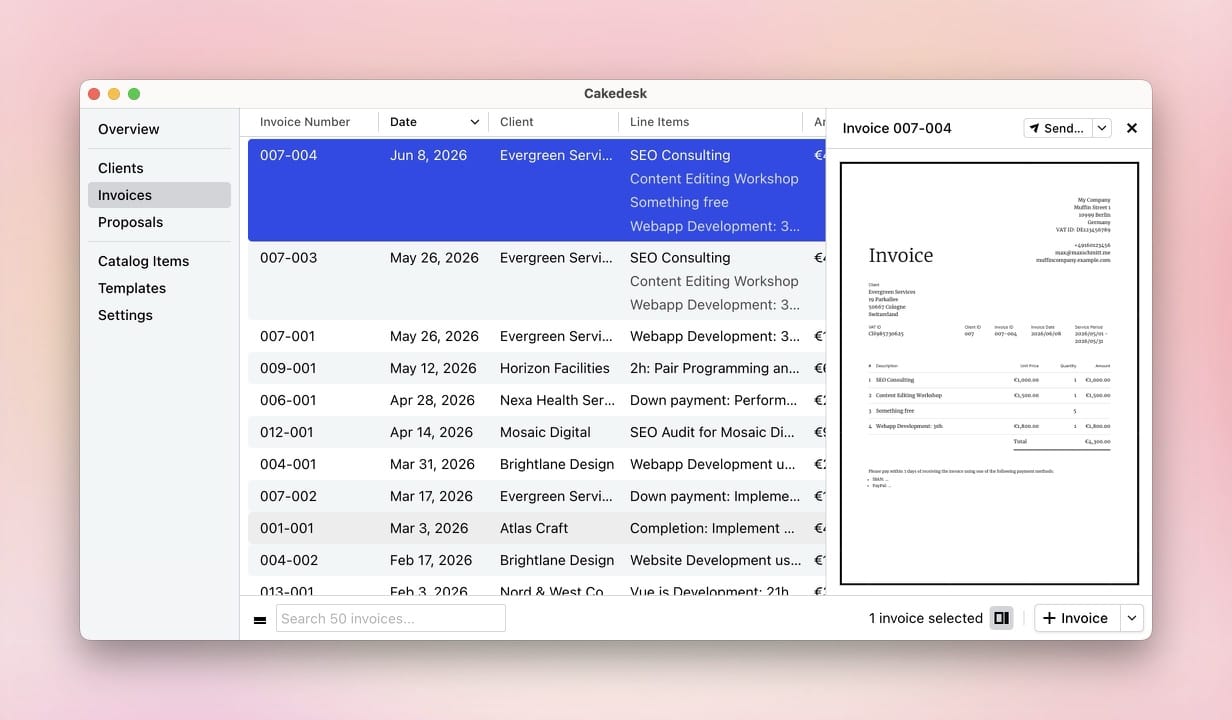
Cakedesk helps you create, send, and keep track of invoices and credit notes. In the invoice list, you can customize the view, preview PDFs, and search for invoices.
#Customizing columns
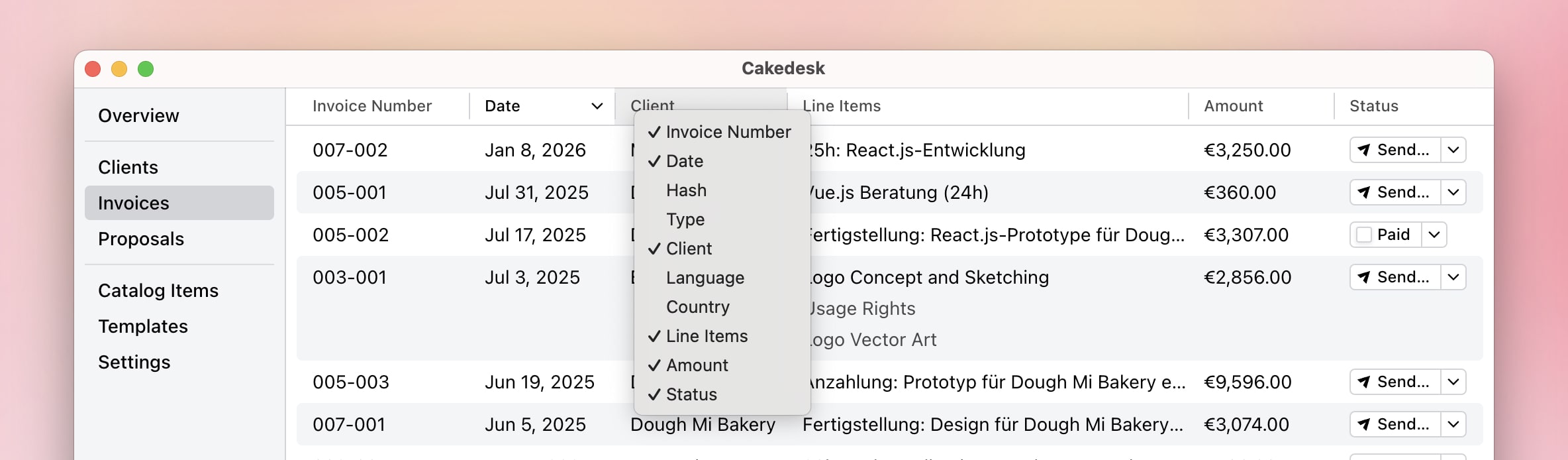
The invoice list displays various columns by default, such as date, client, amount, and status. You can show additional columns by right-clicking on the column headers.
For example, you can enable the Invoice Number column to see it directly in the overview.
#Previewing invoices
You can open the preview sidebar to review an invoice PDF without leaving the list. Use Space to show or hide the preview for the selected invoice, or resize the sidebar if you need more room.
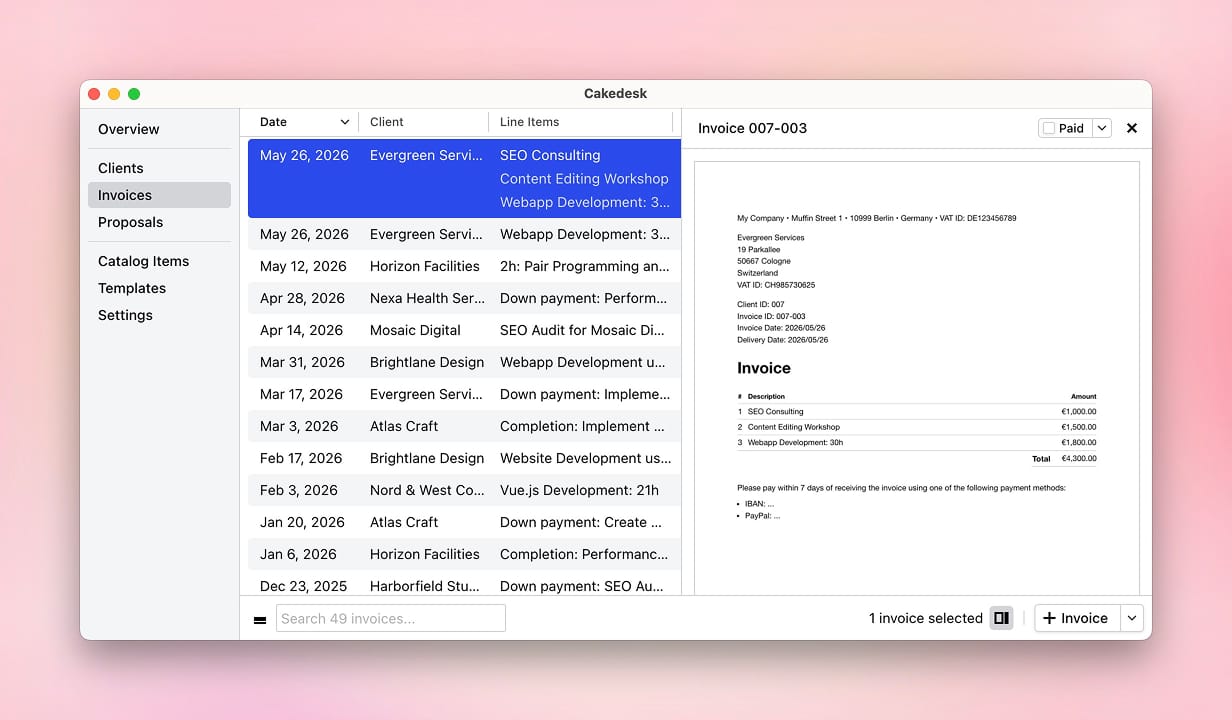
The sidebar can be opened using Space or by using the sidebar button in the bottom right.

#Searching for invoices
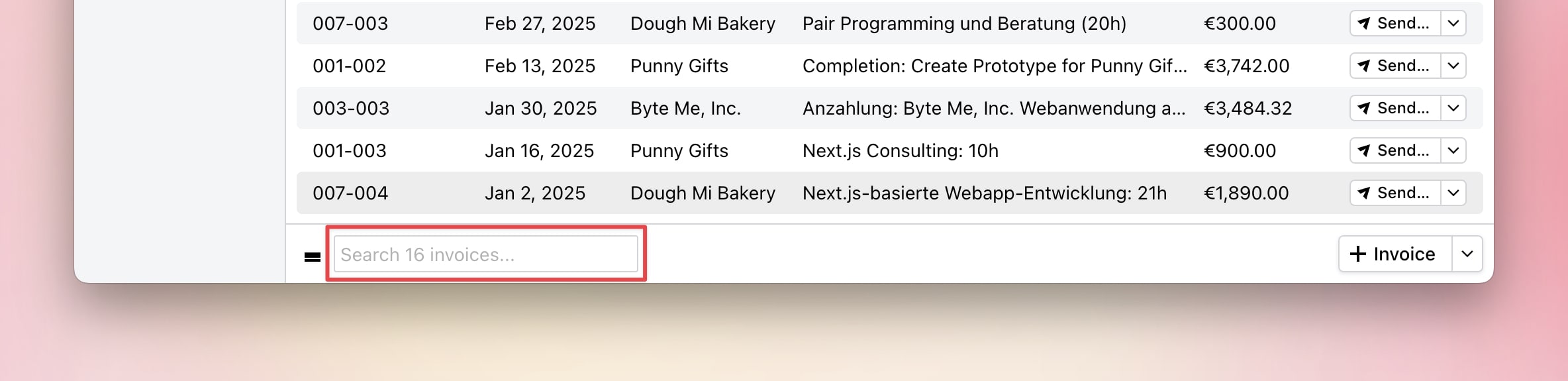
At the bottom of the window, you'll find a search field. You can use it to search for invoices (for example, by invoice number) to quickly find a specific invoice and mark it as paid.
The search looks through most fields of your invoices, including client names, invoice numbers, and items.
#Exporting invoices as CSV
Starting with Cakedesk version 1.37.0, you can export all invoices or a
selection of invoices as a CSV file.
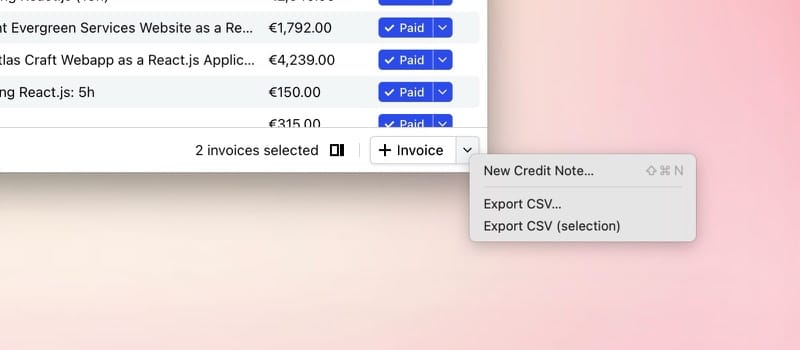
Open the Invoices overview and click the arrow next to "Invoice" in the bottom-right corner. There you'll find options to export all or only selected invoices as a CSV file.
Starting with version 1.38.0, you can then choose between two formats:
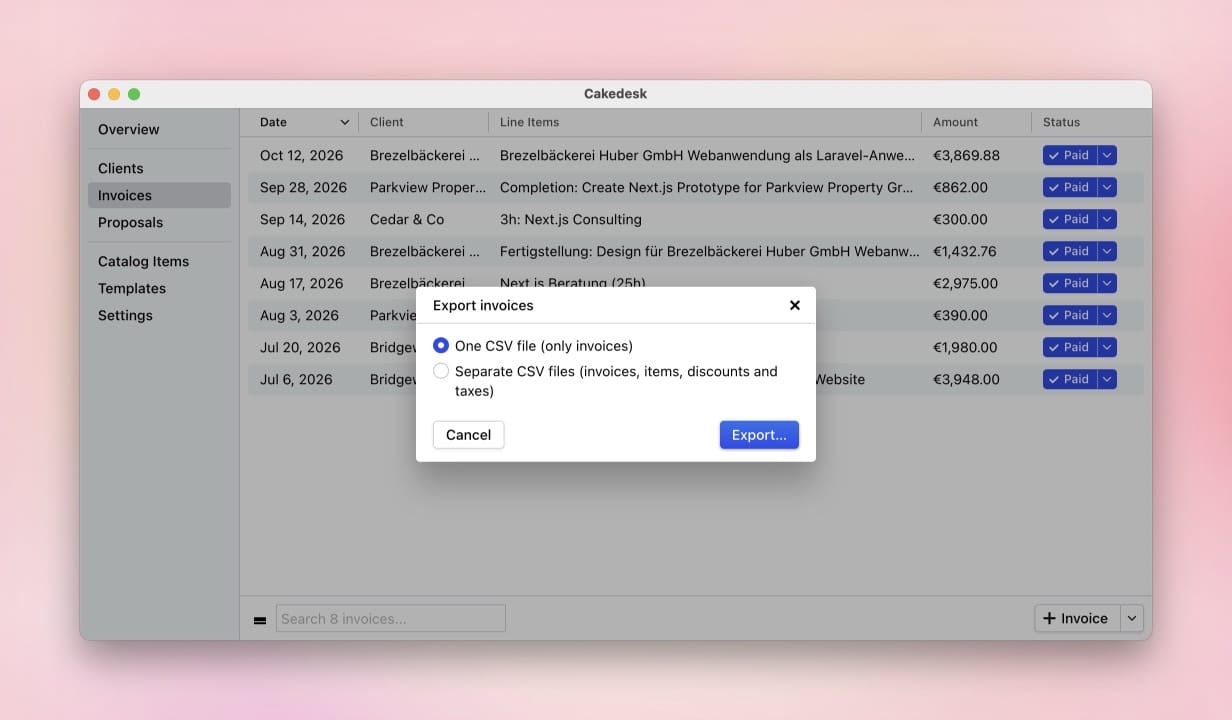
- One CSV file (only invoices): The file contains one row per invoice, including document and client details, dates, totals, currency, and relevant status information. Line items are not included.
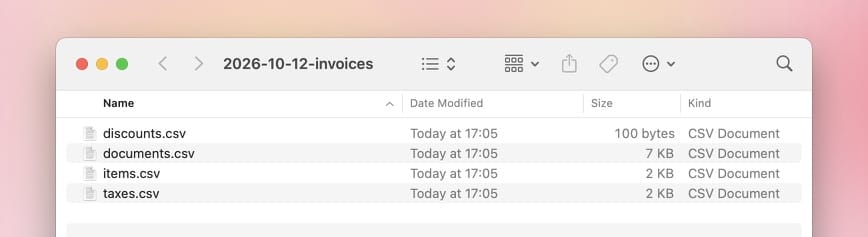
- Separate CSV files (invoices, items, discounts and taxes): Cakedesk
creates a folder with the files
documents.csv,items.csv,discounts.csv, andtaxes.csv. ThedocumentIdcolumn links each row to the matching invoice indocuments.csv.