Proposals
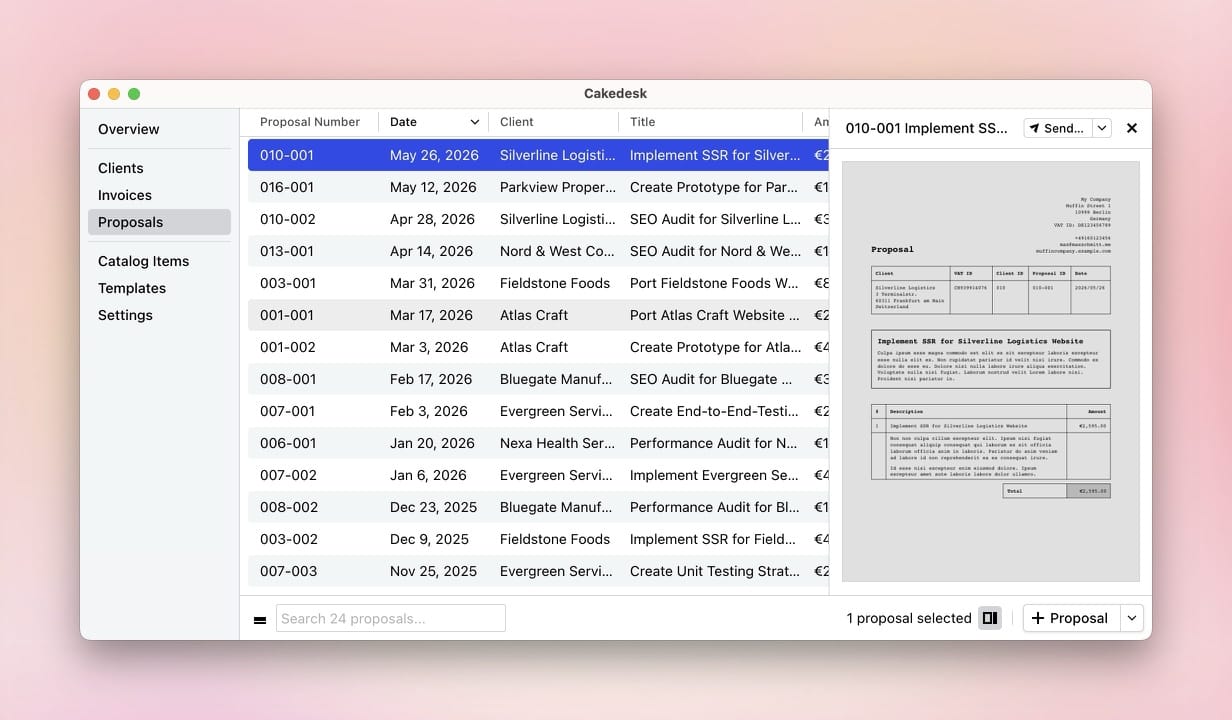
Cakedesk lets you create, send, and manage proposals for your clients.
#Exporting proposals as CSV
Starting with Cakedesk version 1.37.0, you can export all proposals or a
selection of proposals as a CSV file.
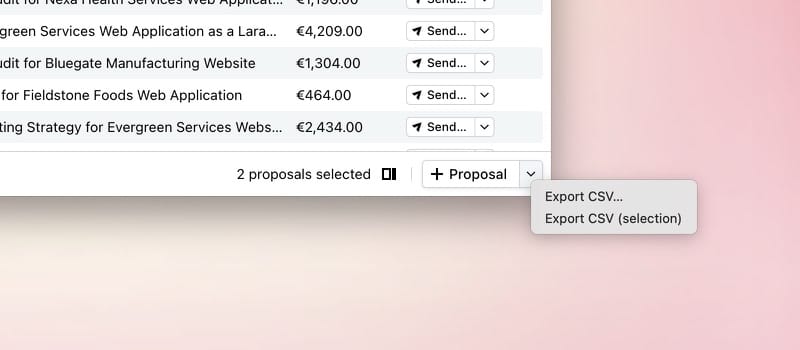
Open the Proposals overview and click the arrow next to "Proposal" in the bottom-right corner. There you'll find options to export all or only selected proposals as a CSV file.
Starting with version 1.38.0, you can then choose between two formats:
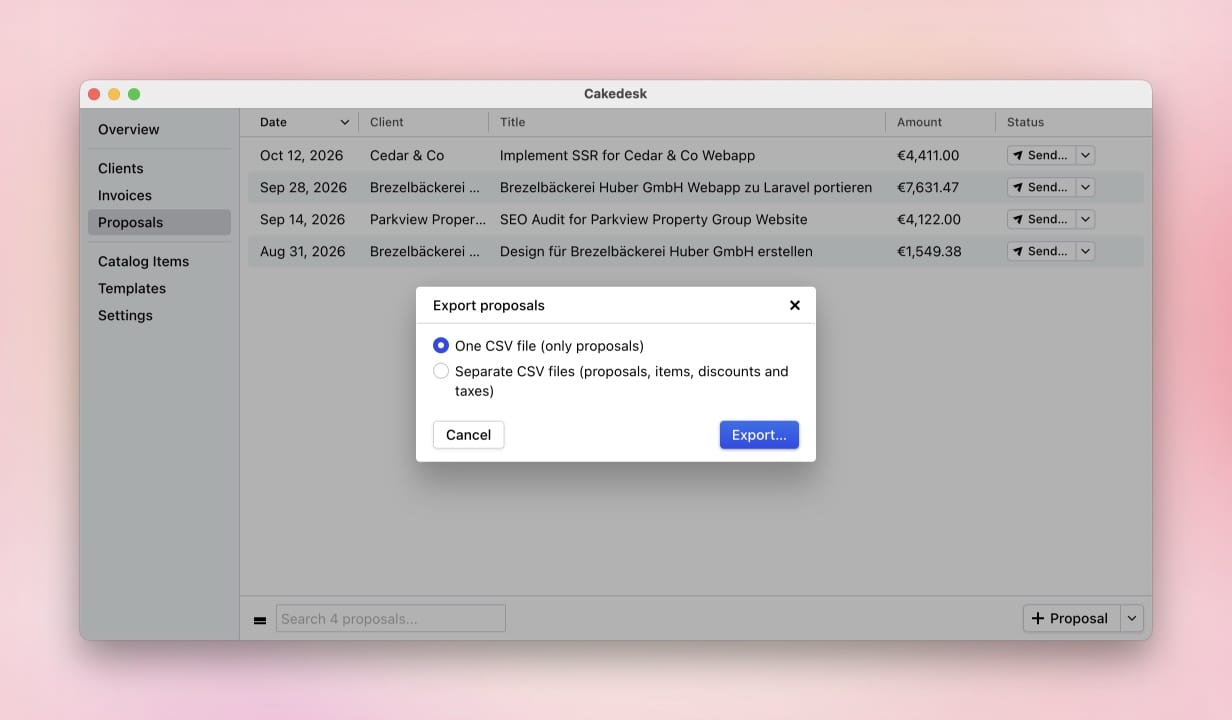
- One CSV file (only proposals): The file contains one row per proposal, including document and client details, dates, totals, and currency. Line items are not included.
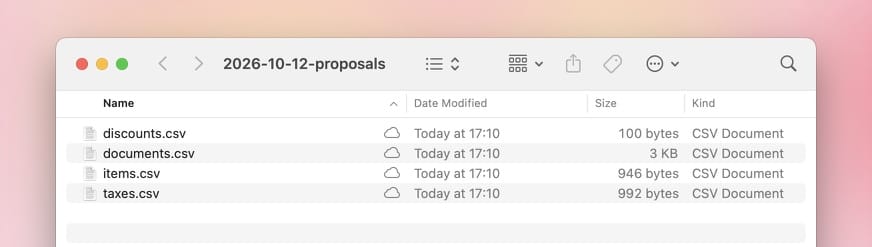
- Separate CSV files (proposals, items, discounts and taxes): Cakedesk
creates a folder with the files
documents.csv,items.csv,discounts.csv, andtaxes.csv. ThedocumentIdcolumn links each row to the matching proposal indocuments.csv.