
Using your own logo
Cakedesk lets you easily use your own logo on invoices and proposals.
#Adding your logo
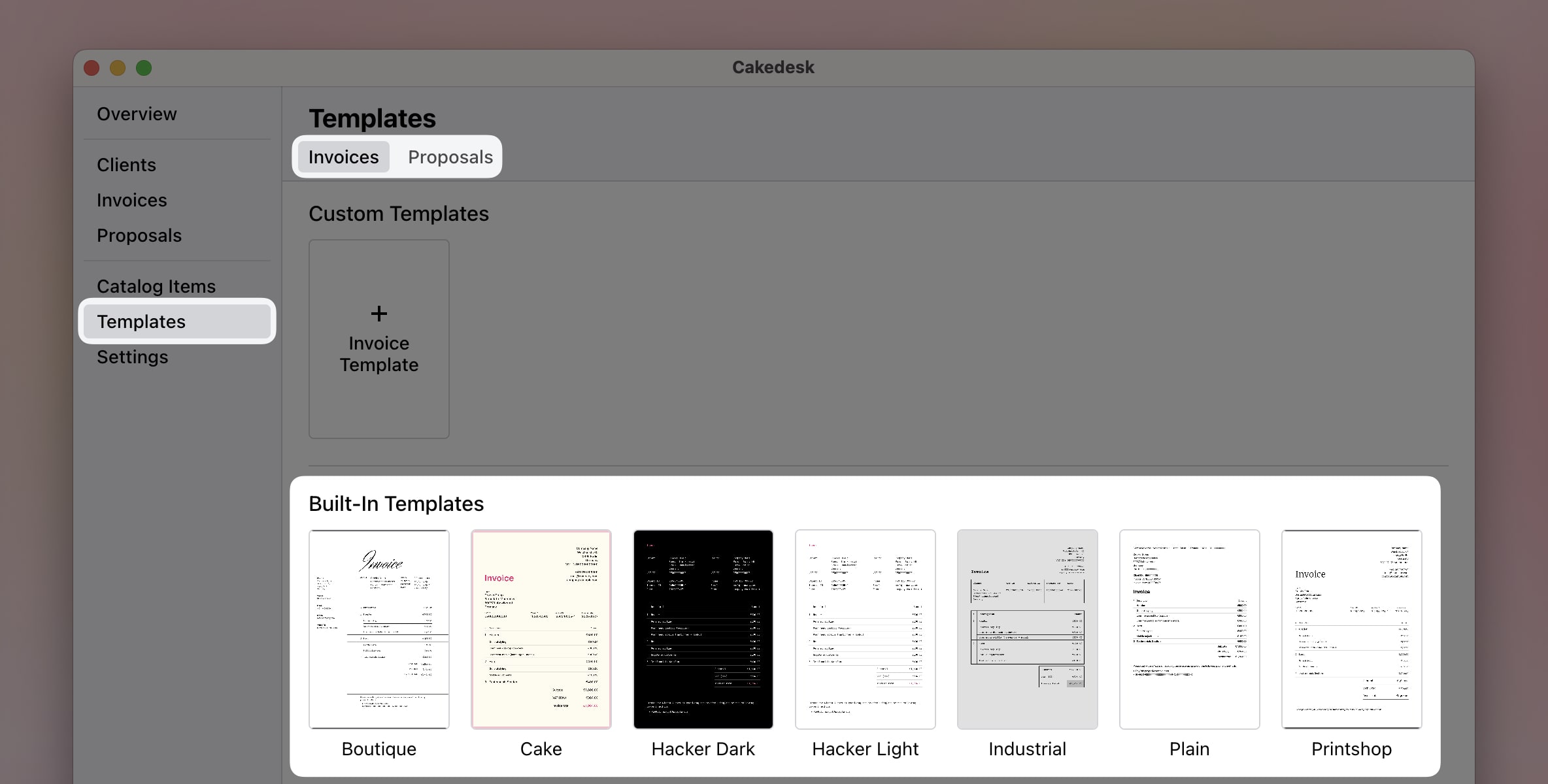
First, go to "Templates" and select the template that you're using.
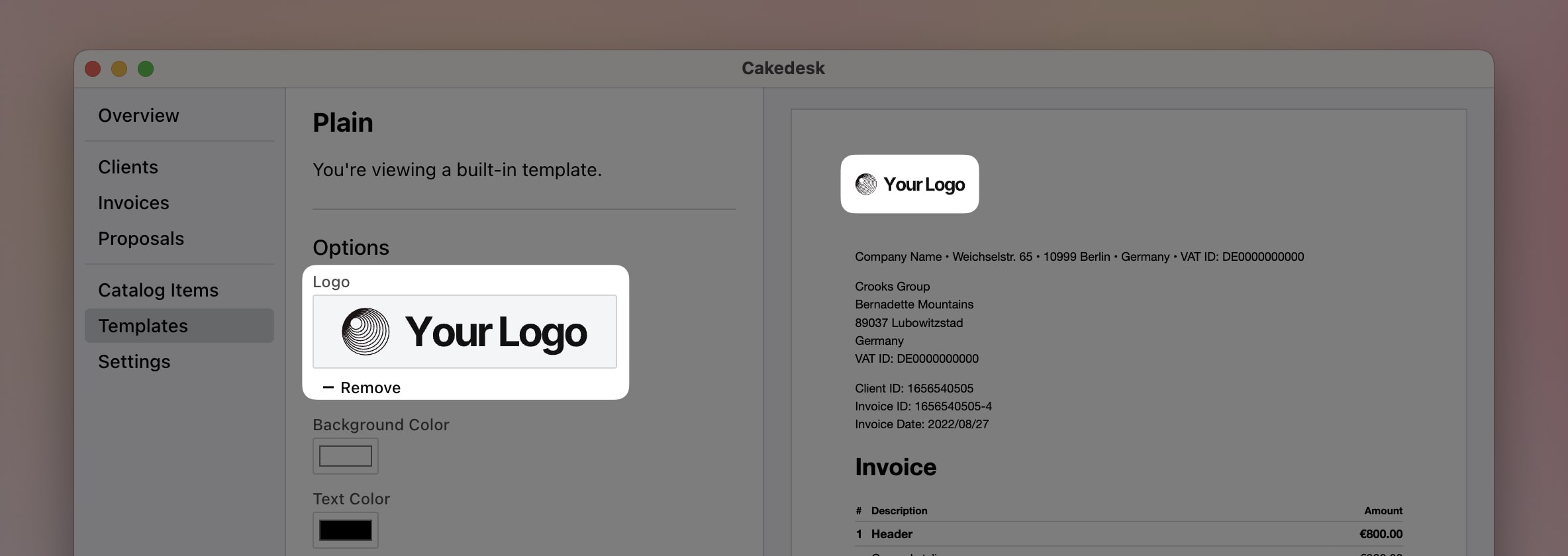
Then, upload your logo:
#Applying changes to existing documents
Any existing invoices or proposals that were created with this template will not automatically get updated with the new logo.
To apply the changes to existing invoices or proposals, you need to re-generate the PDF by editing the invoice or proposal and saving it again.