
February 28, 2026
Gross pricing in custom Cakedesk templates
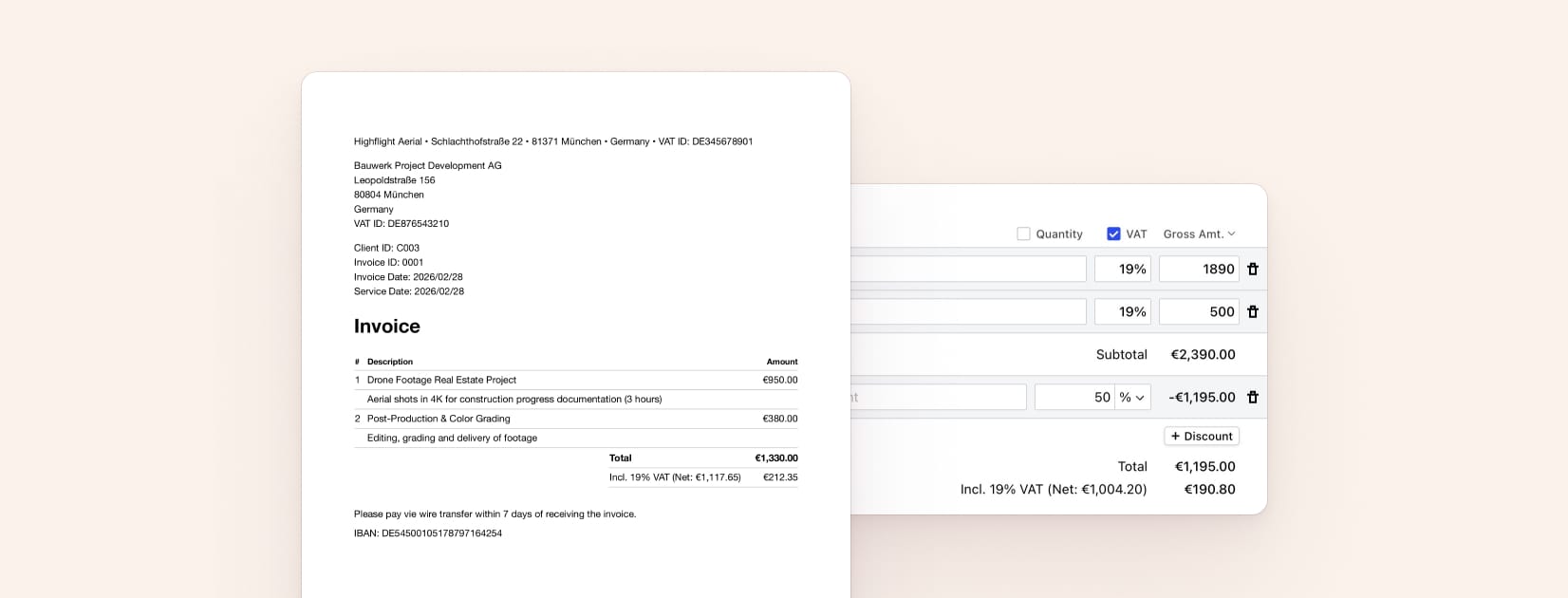
Starting in Cakedesk version 1.29.0, you'll be able to use gross pricing for your invoices, proposals and catalog items.
When gross pricing is enabled, item prices are entered including tax. This changes how totals and taxes are displayed on invoices and proposals.
If you created a custom invoice/proposal template before this version, you may need to update your template to correctly handle documents that use gross pricing.
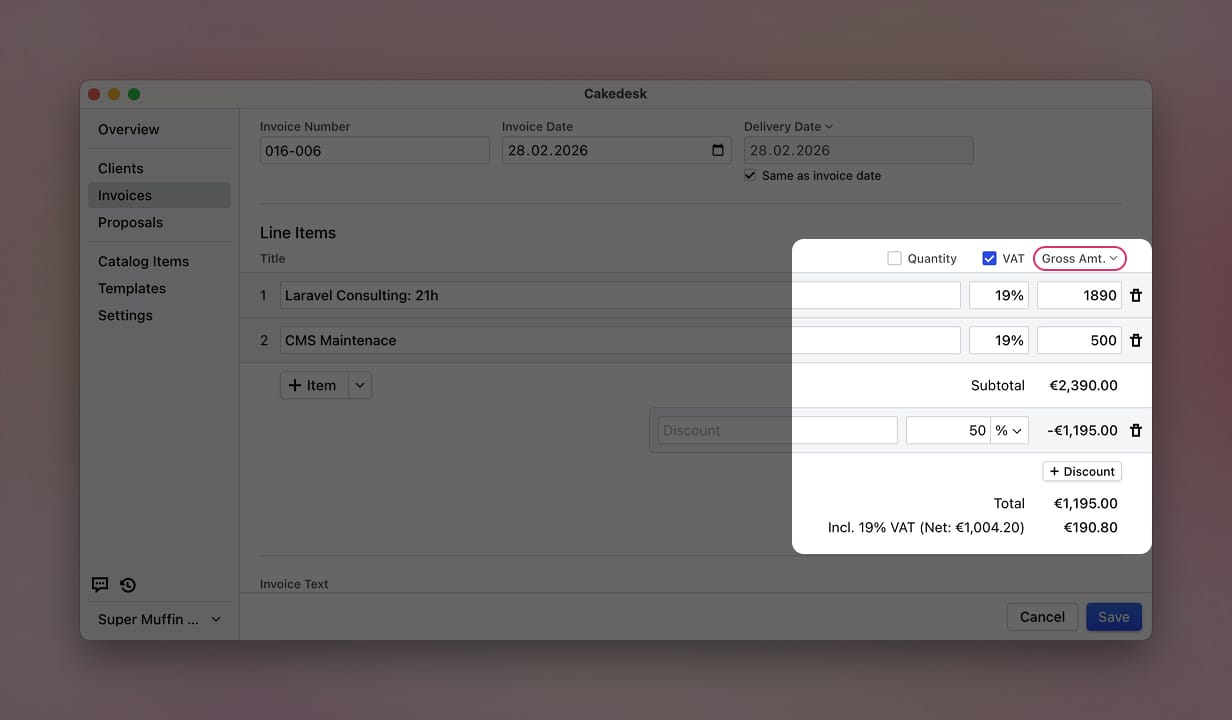
Here is how you to update your templates to support gross pricing:
#getSummaryItems() order
The most important change is that getSummaryItems() returns items in a different order depending on the pricing mode:
Net mode (default, unchanged):
- Subtotal (if discounts)
- Discounts (if any)
- Subtotal after discounts (if discounts)
- Tax subtotals
- Total
Gross mode (new):
- Subtotal (if discounts, including tax)
- Discounts (if any, including tax)
- Total (including tax)
- Tax subtotals (the tax amounts included above)
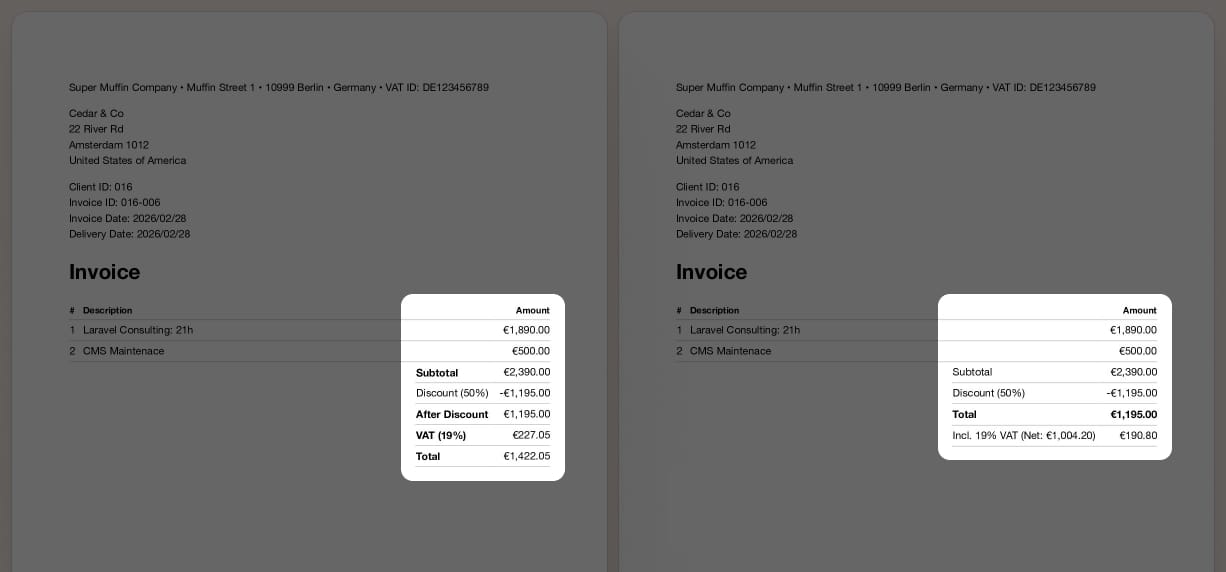
Notice that in gross mode, the last item is not the total. The total comes before the tax subtotals, since the taxes are already included in the item prices.
#Check your template styling
If your template applies special styling (e.g. bold text or a border) to the last row of the summary table assuming it is the total, you should update the logic to use the kind property instead:
<table class="summary-table">
	<tbody>
		<% for (const summaryItem of getSummaryItems()) { %>
			<tr class="<%= summaryItem.kind === 'total' ? 'total-row' : '' %>">
				<th><%= summaryItem.title %></th>
				<td><%= summaryItem.value %></td>
			</tr>
		<% } %>
	</tbody>
</table>
#New variable: 'document.pricingMode'
There is now a document.pricingMode variable that can be 'NET' or 'GROSS'. You can use this to conditionally adjust your template:
<% if (document.pricingMode === 'GROSS') { %>
	<!-- Gross-specific layout -->
<% } %>
#New variable: 'document.netTotal'
A new document.netTotal variable is available in templates. It represents the net total after discounts, excluding tax.
In NET mode this is identical to document.subtotalAfterDiscounts. In GROSS mode it equals document.total - document.totalTaxes.
#Updated: TaxSubtotal fields
The TaxSubtotal type's baseAmount, baseAmountAfterDiscounts, and discountAmount fields now have different meanings depending on the pricing mode:
- NET mode: these are net (tax-exclusive) values (unchanged behavior)
- GROSS mode: these are gross (tax-inclusive) values
See the TaxSubtotal docs for details.
#Updated: 't()' supports variables
The t() helper now accepts an optional second argument for variable substitution:
t('grossTaxSubtotalLabel', { taxPercentage: 19, taxLabel: 'VAT', netAmount: '€100.00' })
// "Incl. 19% VAT (Net: €100.00)"
See the t() docs for details.
#New template string: 'grossTaxSubtotalLabel'
A new built-in translation string grossTaxSubtotalLabel is available. It's used by getSummaryItems() in GROSS mode to label the tax subtotals. The string supports variable substitution:
"Incl. {taxPercentage}% {taxLabel} (Net: {netAmount})"
You can override this string in your template.json if you want a custom label.